
 See Our Latest Article on HelloNation
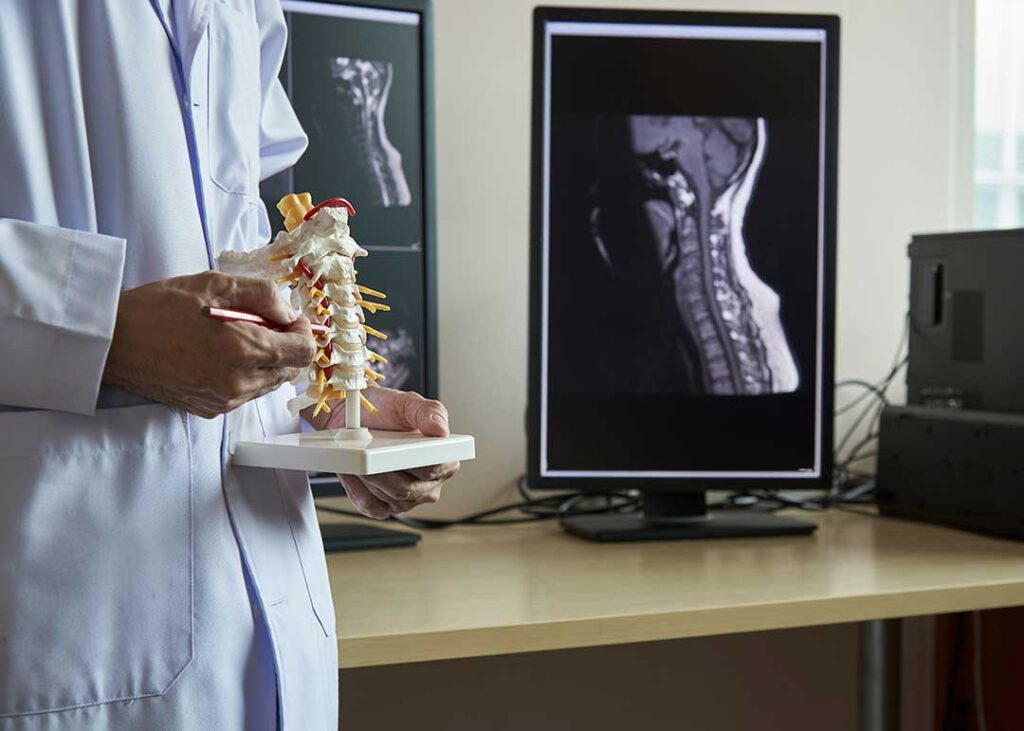
Office work can place steady stress on the neck, shoulders, back, wrists, and hips, especially when long periods of sitting are combined with limited movement. For residents of Le Ray, practical workstation adjustments and regular movement breaks can reduce strain and make desk work more comfortable.
Why does office work cause neck and back discomfort?
Office-related discomfort usually develops from a combination of prolonged sitting, awkward positioning, repetitive movements, and too little variation during the workday. The body is designed to move through many positions, not remain still for hours.
Common contributors include:
- A monitor positioned too low or too far away
- A chair that does not support the lower back
- Shoulders held up while typing or using a mouse
- Feet not supported by the floor
- Frequent phone use with the head tilted to one side
- Working from a laptop without a separate keyboard or screen
- Remaining seated through long meetings or focused tasks
Poor posture is not the only issue. Even a technically upright position can become uncomfortable if it is held without movement for several hours. A more useful goal is a balanced position that can be changed frequently.
How should a desk be adjusted?
A well-arranged workstation allows the head, arms, hips, and legs to remain supported without forcing the body into a rigid posture. Small changes can make a noticeable difference.
Start with the chair:
- Keep both feet supported on the floor or on a stable footrest.
- Position the hips slightly higher than or level with the knees.
- Use the chair’s backrest to support the lower and middle back.
- Leave a small gap between the front edge of the seat and the backs of the knees.
- Keep the shoulders relaxed rather than raised toward the ears.
The keyboard and mouse should be close enough that the elbows remain near the sides of the body. Ideally, the elbows are bent at approximately a right angle, with the wrists relatively straight. Excessive reaching can increase tension through the upper back and shoulder muscles.
A monitor should generally be directly in front of the worker, with the top portion near eye level. If the screen is too low, the head may remain tipped forward. If it is too far away, the worker may lean toward it. People who use two screens should place the primary screen in front and position the second screen nearby to limit repeated twisting.
What is the healthiest sitting posture?
There is no single perfect sitting posture that must be maintained all day. A healthier approach is to use a supported position and change it regularly.
A comfortable seated position often includes:
- The head balanced over the shoulders rather than pushed forward
- The chin level, without looking sharply upward or downward
- The lower back supported without excessive arching
- The pelvis centered on the chair rather than sliding forward
- The knees and feet facing generally forward
- The shoulders resting comfortably with the arms supported when possible
Leaning slightly, shifting weight, or changing leg position is not automatically harmful. Problems are more likely when an awkward position is repeated for long periods or when discomfort is ignored until it becomes severe.
How often should office workers move?
A brief movement break every 30 to 60 minutes is a practical target, although the best schedule depends on the person and the work demands. A break does not need to be long. Standing to refill water, walking during a phone call, or performing a few gentle movements can interrupt prolonged static loading.
Useful options include:
- Standing for one or two minutes
- Walking a short distance
- Rolling the shoulders slowly
- Turning the head gently from side to side
- Extending the hips after sitting
- Opening and closing the hands
- Taking several relaxed breaths while lowering the shoulders
A timer or calendar reminder can help, particularly during winter months when people may spend more time indoors and travel less on foot. Movement should be comfortable and controlled rather than forceful.
Are standing desks better than sitting desks?
Standing desks are not automatically better, but they can provide another posture and make it easier to alternate between sitting and standing. Standing in one position for several hours may create its own problems, including foot fatigue, leg discomfort, and increased tension through the lower back.
If a standing workstation is used, the screen and keyboard should still be adjusted so the neck remains neutral and the shoulders stay relaxed. A cushioned mat may reduce fatigue, although it does not replace regular movement. Alternating between sitting, standing, and walking is generally more useful than treating any one position as ideal.
A sit-stand routine might involve 30 to 45 minutes of sitting followed by 10 to 15 minutes of standing, with brief walking or stretching mixed in. The exact timing can be adjusted according to comfort and the type of work being performed.
What should laptop users do differently?

Laptops are convenient but often force a compromise. If the screen is at a comfortable height, the keyboard may be too high for relaxed shoulders. If the keyboard is at a comfortable height, the screen may be too low, encouraging the head to tilt forward.
For regular laptop work, consider using:
- A separate keyboard
- A separate mouse
- A stable riser or stand for the laptop screen
- A chair and desk that allow the forearms to rest comfortably
For occasional work at a kitchen table, couch, or other temporary setting, frequent position changes are especially important. A short-term setup does not need to be perfect, but it should not be used for long stretches without breaks.
Can stretching prevent office-related pain?
Gentle stretching may help relieve stiffness, but it should not be treated as a complete solution. Stretching works best when combined with workstation changes, movement, adequate sleep, and gradual strengthening.
Comfortable office-friendly movements may include:
- A gentle chest stretch with the forearms against a doorway
- Slow neck rotation within a pain-free range
- A seated hip stretch without forcing the knee downward
- Standing back extension with the hands resting on the hips
- Wrist and forearm movements after extended keyboard use
Avoid bouncing, forcing a joint to its limit, or continuing a movement that causes sharp pain, numbness, or symptoms traveling into an arm or leg.
When should office discomfort be evaluated?
Mild stiffness that improves with movement is often manageable with self-care and ergonomic adjustments. Persistent or worsening symptoms deserve closer attention, particularly if they interfere with sleep, walking, work duties, or ordinary activities.
Prompt medical evaluation is appropriate for back or neck symptoms accompanied by:
- New weakness in an arm or leg
- Loss of bladder or bowel control
- Numbness in the groin or inner thighs
- Severe pain after a fall or other injury
- Fever, unexplained weight loss, or significant illness
- Sudden severe headache with neck pain
- Chest pain, shortness of breath, or pain spreading into the jaw or arm
A chiropractor may assess movement, joint function, posture, and muscle tension, but not every office-related problem is mechanical. Persistent symptoms may require evaluation by a physician, physical therapist, or another qualified healthcare professional.
How can office workers build better habits?
The most sustainable changes are simple enough to repeat during a normal workday. Keep frequently used items within easy reach, place the phone where it does not require repeated neck rotation, and avoid carrying a laptop bag on only one shoulder for long periods.
Workers in Le Ray may also benefit from planning movement around seasonal routines. During colder months, indoor walking, stair use, and brief mobility exercises can help offset long periods spent at a desk or in a vehicle. During warmer weather, walking meetings or outdoor breaks may provide a natural change of position.
The goal is not to maintain perfect posture. It is to create a work environment that supports the body, vary positions throughout the day, and respond early when discomfort begins rather than waiting for symptoms to become difficult to manage.
